World in Wireframe – The Braid

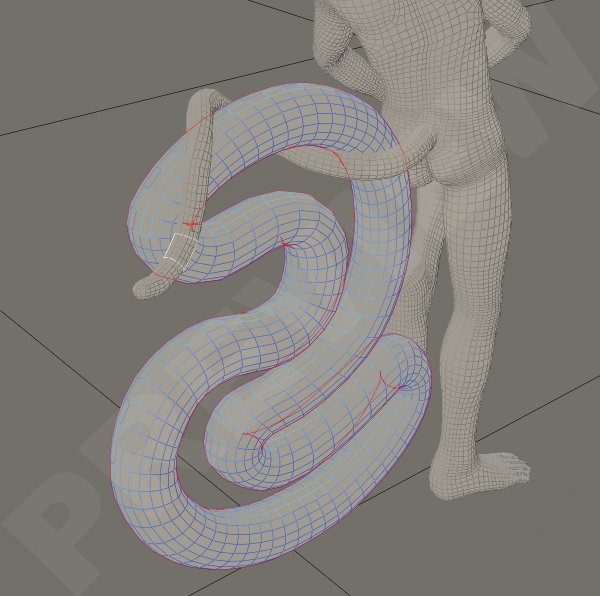
Since I started creating poses for Poser – and now DazStudio – I found that I have the patience for tails, braids and other sorts of snake-like meshes. The bending, twisting and making them curl around an object comes easy to me. I wouldn’t for the life of me know where I developed such talent and patience but apparently I do.

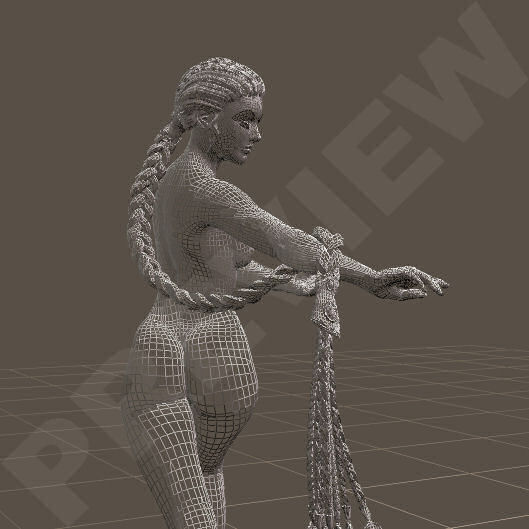
One of my latest attempts is the Dragonbraid for Dawn, a beautifull hairstyle made by Arki.
I love long braided hair like this but usually there are hardly any poses for it and they take a while to create.
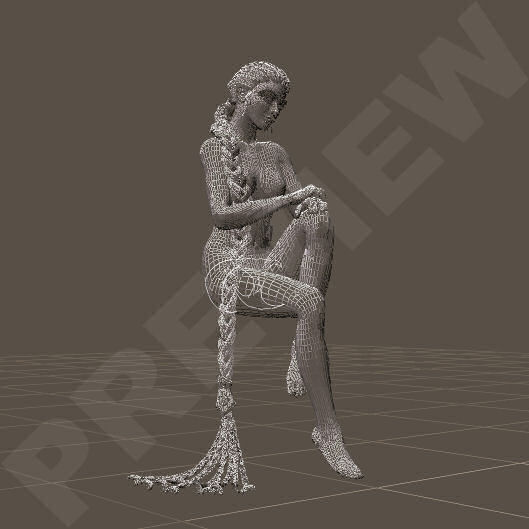
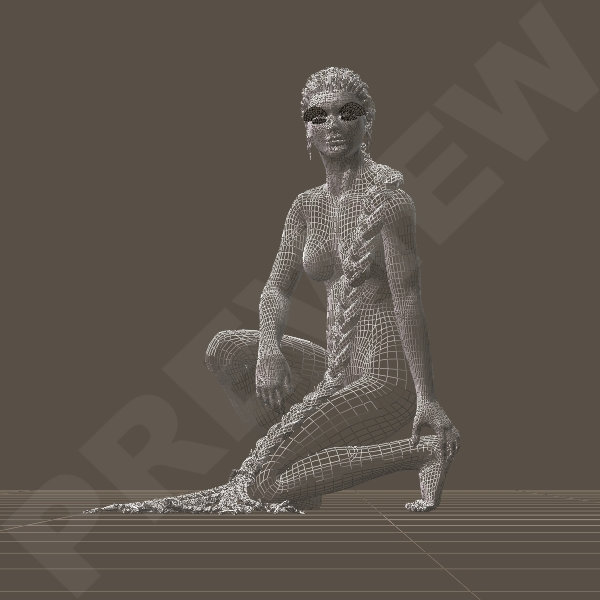
I ended up creating two sets of poses for this particular hairstyle. For the first set I had some poses for Dawn in mind that would compliment the Braid, so I created some poses for her and the Braid. Then I figured it would be nice to create some poses for the Braid that would compliment the Everyday Poses for Dawn that come with Dawn Special Edition.

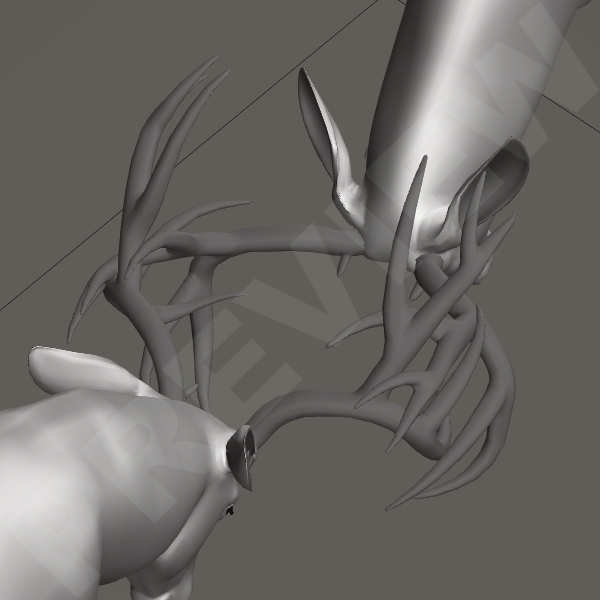
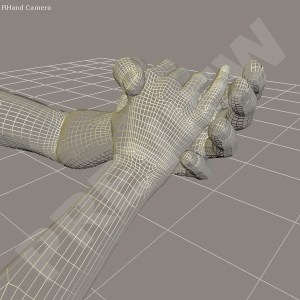
I created 9 poses for Dawn & the Braid. Can you just picture her, sitting on a large shroom as an Elven Queen? Or maybe she’s just a Maiden, sitting by a pond, dreaming of romance. When I create a pose I always do that in the wireframe view. It allows me to see a mesh without all the bells and whistles. It shows when I bend or twist, the mesh won’t fold in on itself or break. Or whether it will stretch so far that the pose will look unnatural.

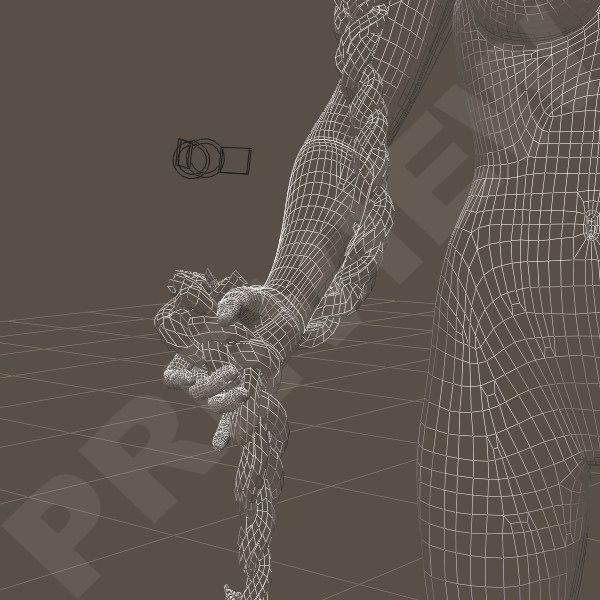
The biggest issue I always have are the hands & fingers. The way a human holds and/or grabs things starts in the shoulder. How the shoulder is positioned often determines on where and how the hands will reach, on how the fingers are able to grab an object. When I create a pose myself I can adjust the pose the way I think the ‘flow’ of the movement should be. And I always aim to create it as natural as possible. Since a mesh doesn’t have the flexibility of a human body, and then in particular the human skin, it is sometimes very difficult to achieve that natural pose.

For this set I also added poses for the Braid that can be used with the Everyday Poses that come with Dawn Special Edition. These Everyday Poses weren’t created by me so then I have to make sure that I do not change anything in the pose itself, just the pose for the Braid. That is a challenge in itself sometimes. But when the base is good, it is easy.
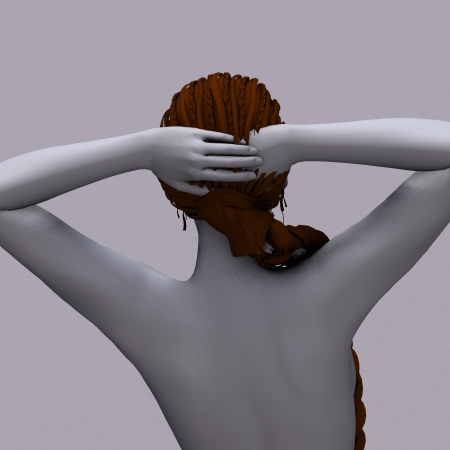
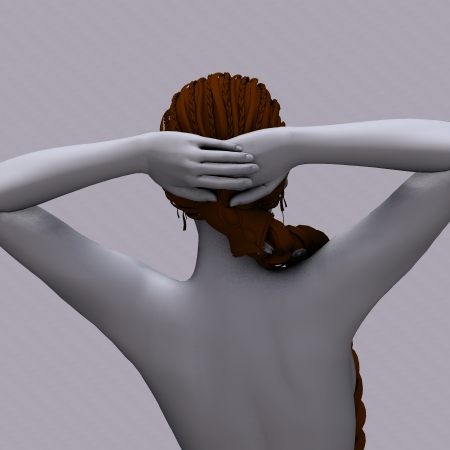
When I created the 9 poses for the Braid to go with the 9 Everyday Poses I also created one pose to adjust the arms of StandingPose 04.

Original EverydayPose Standing 04
Adjusted EverydayPose Standing 04

When an original pose is created hardly anyone thinks of clothing and hair that a character wears. Me included and it’s when I use existing poses to create add-ons for, such as poses for a braid, that I bump into these little jewels. I couldn’t leave this so I adjusted the positioning of the hands by change the shoulders a little. This turns the arms, leaving the hands as they are without creating weird bends or extreme side-to-side movements.  I added this to the partial poses I had allready created, two very simple “braid over the shoulder” poses to get people started with their own creation.

Now the Dragonbraid for Hivewire Dawn is no longer available since Hivewire closed their store. My poses for the Braid will retired now and maybe, who knows, made available here through this blog.

I know that the Dragonbraid has also been created for Victoria 4 and I believe is still available at Daz3D as a bundle. The poses for the Braid could probably work on the Braid for Victoria 4 but they will need some serious tweaking when used with poses for Victoria 4. So when you purchase these sets of my poses you must realize that they were created specifically for the Dragonbraid for Dawn to compliment poses for Dawn. And that they were tested specially for that.

Greetz
Pommerlis

World in Wireframe – First Steps

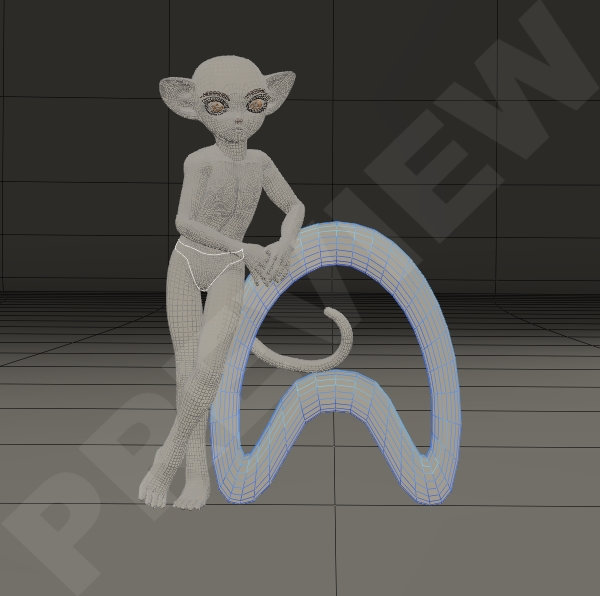
Since I started creating poses for Poser I found that I have the patience for tails, braids and other sorts of snake-like meshes. The bending, twisting and making them curl around an object comes easy to me. I wouldn’t for the life of me know where I developed such talent but when I started playing with Scampixie Pranx and created poses for this cute creature.
I believe my first set for Pranx was “Shake a Tail”, simple set of poses with mirrored versions.

Apparently the tail wasn’t a problem for me to pose. I loved creating Art in Poser – Poser 6 at the time I believe.
I didn’t have any experience as a vendor whatsoever and if it wasn’t for a friend of mine at KCTC, I wouldn’t even have considered it.
She helped me alot understanding the basics of how Poser works, how to save “poses”, how to create MT5 and MC6 materials, how to create things from scratch, by that time I had bought Poser 7.

When Elleque & Trumarcar came with their Scampixie Pranx, that was my start in creating poses and selling them. Shake a Tail was my first set but not my most succesfull one.
The first version of Pranx came with it’s own alphabet, the TrueTube Letters and I decided to create poses for each letter.
Pranx ABC was born.

It took a while to finish this set and apparently people loved it when it was finally released. It really gave me the feeling I could actually do something well in Poser. Esspecially the tailposes, wich I started to save seperately as partial-poses.

This set was large, very expanded with 26 Fullbody-Poses, 26 Lowerbody-Poses, 26 Upperbody-Poses & 26 Tailposes.
It has been retired since a while now, created in Poser 6 and only compatible with the first version of Pranx but it does have a special place in my heart since it was my first big item in store.
Now this set is available as an exclusive freebie at my Blog.

Greetz,
Pommerlis

World in Wireframe – The Beginning

     My name is Josephine but in the world of 3D Art I’m known as Pommerlis. A long, long, loooong time ago I started out with a program called PaintShopPro 9. Actually, I still use it sometimes for postwork but now I have upgraded to the latest version. That software program led to a whole new universe of 3D software such as DazStudio, Poser, Carrara, Hexagon and I was lost.
From creating very amateuristic images to creating content has been a long road but that is where I’m at today. I dare to say it out loud know, I’m kinda good at creating poses and that is what I do most. I also try my hand at textures and I have started to read & learn about modelling. This hobby is certainly expanding it’s grounds.
As a vendor I had my own store as an exclusive vendor  at HiveWire3D, where I create poses for Dawn,Dusk and all of their relatives. Human and Animals. But sadly that store had to close and I decided to move to Renderosity where I am an exclusive vendor now. So you will only find my new commercial items there.
If you are interested in visiting my store; Pommerlis.
     Though I prefer Poser have upgraded to PoserPro11.2 and purchased Poser 12, I got myself re-acquainted with DazStudio and I am slowly getting round to creating poses for Genesis. With all the new and improved versions being released I think I will choose only one of the many and stick to Genesis 8, I’m not sure though.
With the new Poser lady, LaFemme being released it’s becoming a bit flooded with all these characters. But there are still some favorite toons and I think for most of these I will create freebies wich will be available on my freebie-page at Renderosity. The more exclusive freebie will be available via this blog.
But most of my time will be spend with Dawn & Dusk anyway.
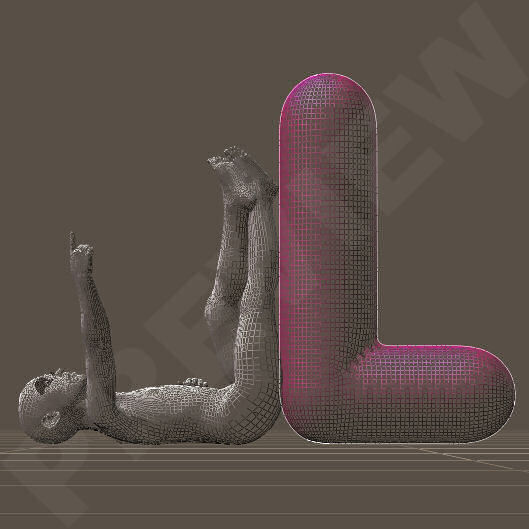
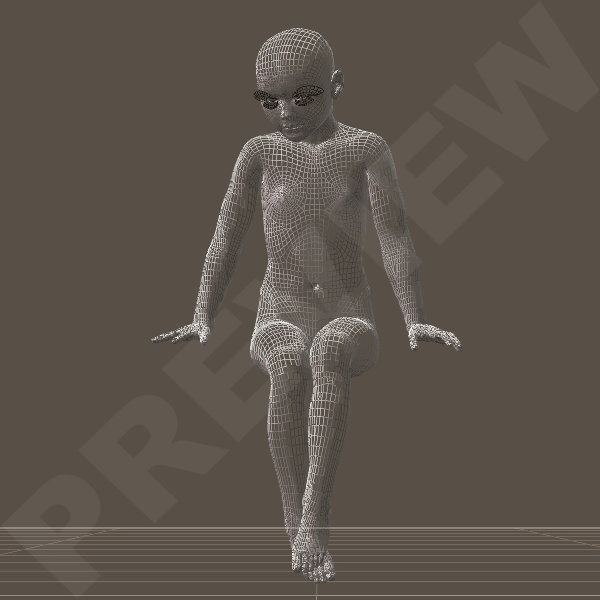
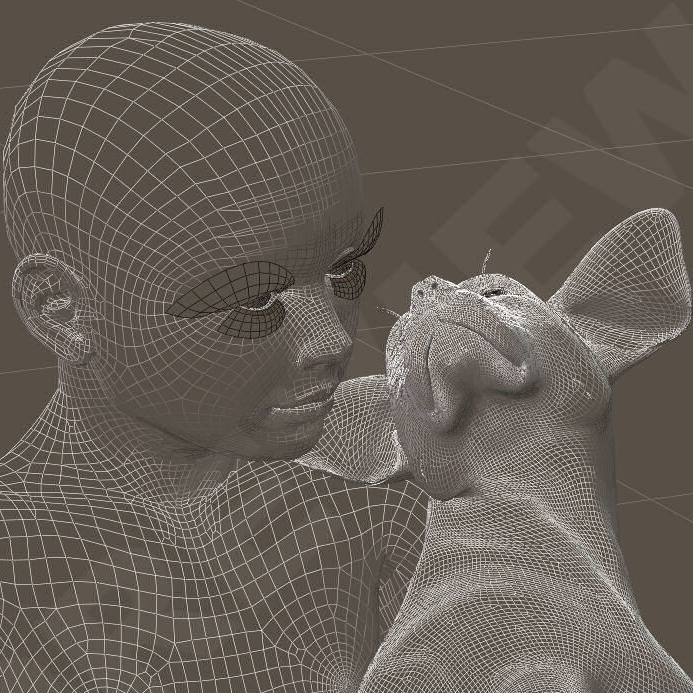
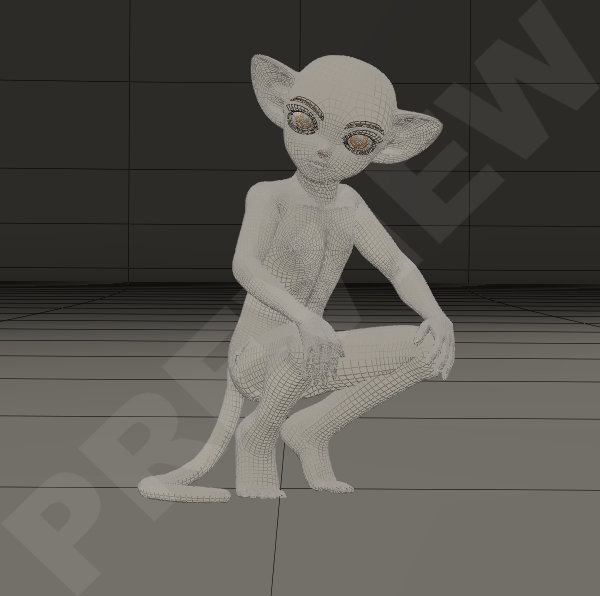
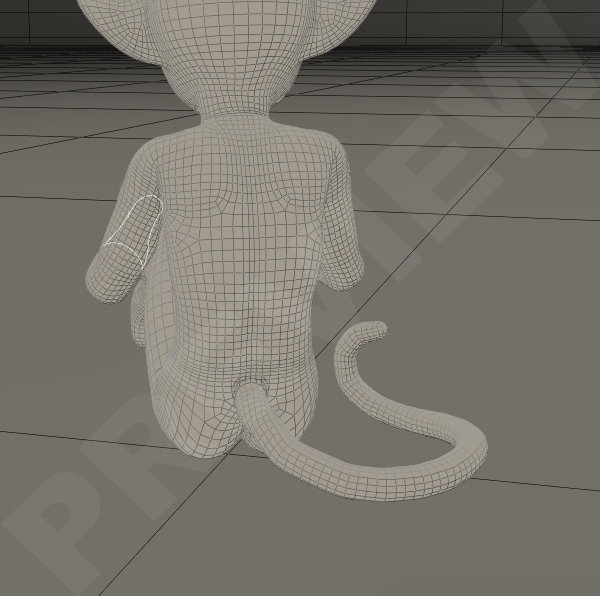
     When I create poses, I always create them in a Wireframe View, that works best for me. I don’t know why but somehow I get more detail en “flow” in the pose if I can see the mesh in it’s orginal state. So that is the world I mostly move around in, my World in Wireframe. It looks something like this;
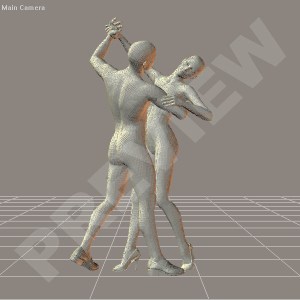
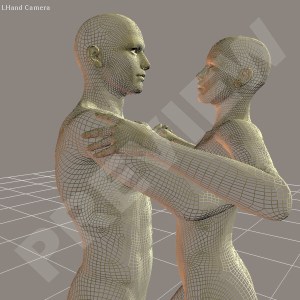
     This is an example of one of my first sets of poses I created for Victoria 4 & Michael 4. The “Let’s dance ballroom-set”, it wasn’t my very first set. My very first poses I created as a Vendor were for Scampixie Pranx. That cute little character got me into selling poses in the first place.

When working in ‘LitWireframe’, I can see the mesh more detailed. I’m a bit of a nitpicker when it comes to these things. A pose has to be right the whole 360° round, no bodyparts dissapearing into the mesh and the pose has to be as natural as possible. And I always have a an issue with hands & fingers.

Hands & fingers usually take up most of my time. I know that there are vendors out there that can create masses of poses every single day but I can’t work like that. For me a pose has to be right, it has to look like a natural movement of the body and it has to be some sort of representation of what daily life looks like.

So there you have it, a small introduction and the beginning of my World in Wireframe in a nutshell.

Greetz,
Pommerlis